16. Cloud webapp — History
Review previous nutrient blend calculations for your account — useful when repeating a crop programme or auditing what was pushed.
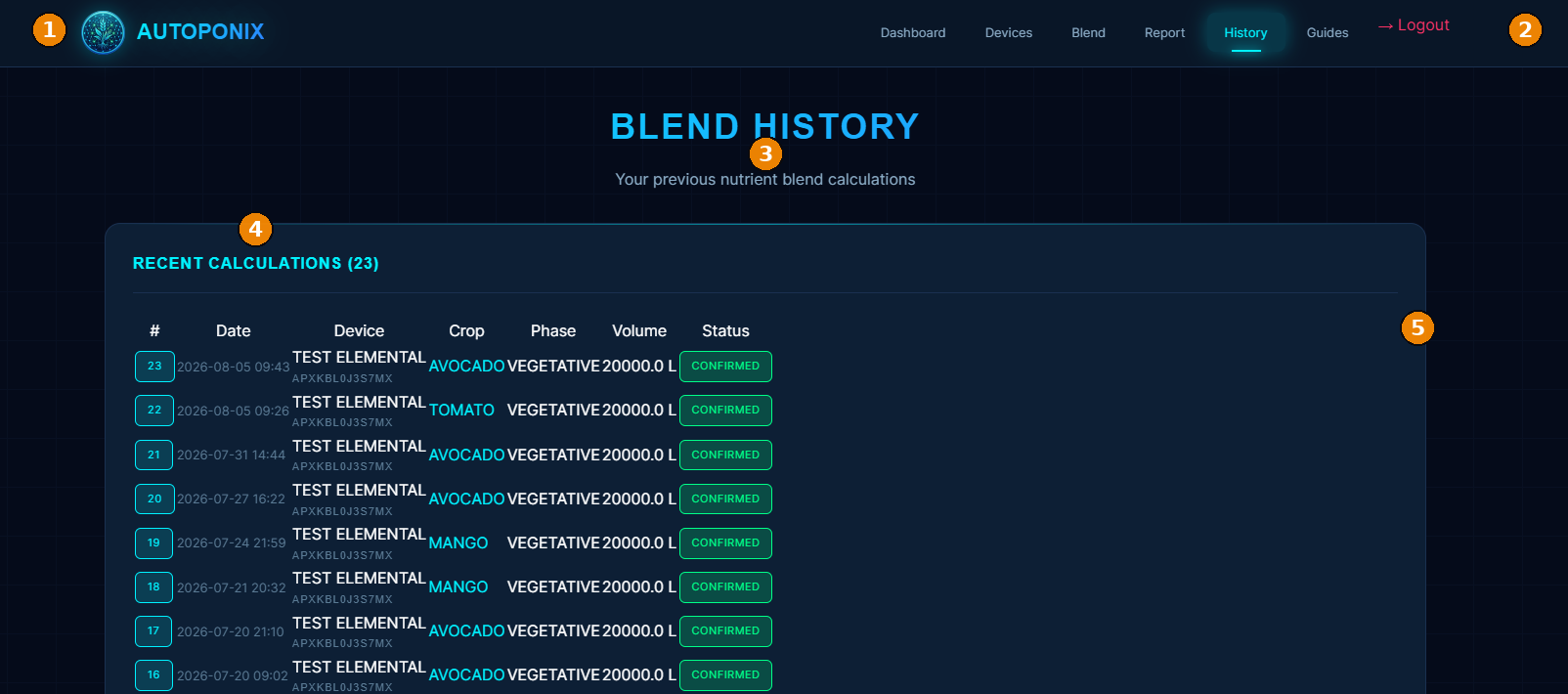
| # | Feature | What it means |
|---|---|---|
| 1 | Branding | Autoponix logo and name. |
| 2 | Navigation + Logout | History tab active; Logout on the right. |
| 3 | Page title | Blend History — your previous nutrient blend calculations. |
| 4 | Recent Calculations | Section header with total count. |
| 5 | Calculations table | Index, date, device, crop, phase, volume (L), status (e.g. Confirmed). |
History vs Reports
History lists calculations you ran in the cloud. Reports lists dispense uploads
from the field panel after a physical blend.
Next
Administrator messages
on the field panel (lock / disable / wipe), or return to the
guide home.