Autoponix Elemental — Operator Guide
A complete walkthrough of the Elemental fertigation system: the physical machine and field HMI, plus the cloud webapp used to calculate and push blend jobs.
Who this guide is for
- Site operators — field track (cabinet, chemical safety, touchscreen).
- Agronomists / owners — cloud webapp track and Overview.
Read before operating
Chemical safety & fertilizer spillages
and the electrical DANGER notices on the control cabinet / getting-started pages.
How to read this guide
Follow the field track in order the first time at the skid. Follow the cloud track when
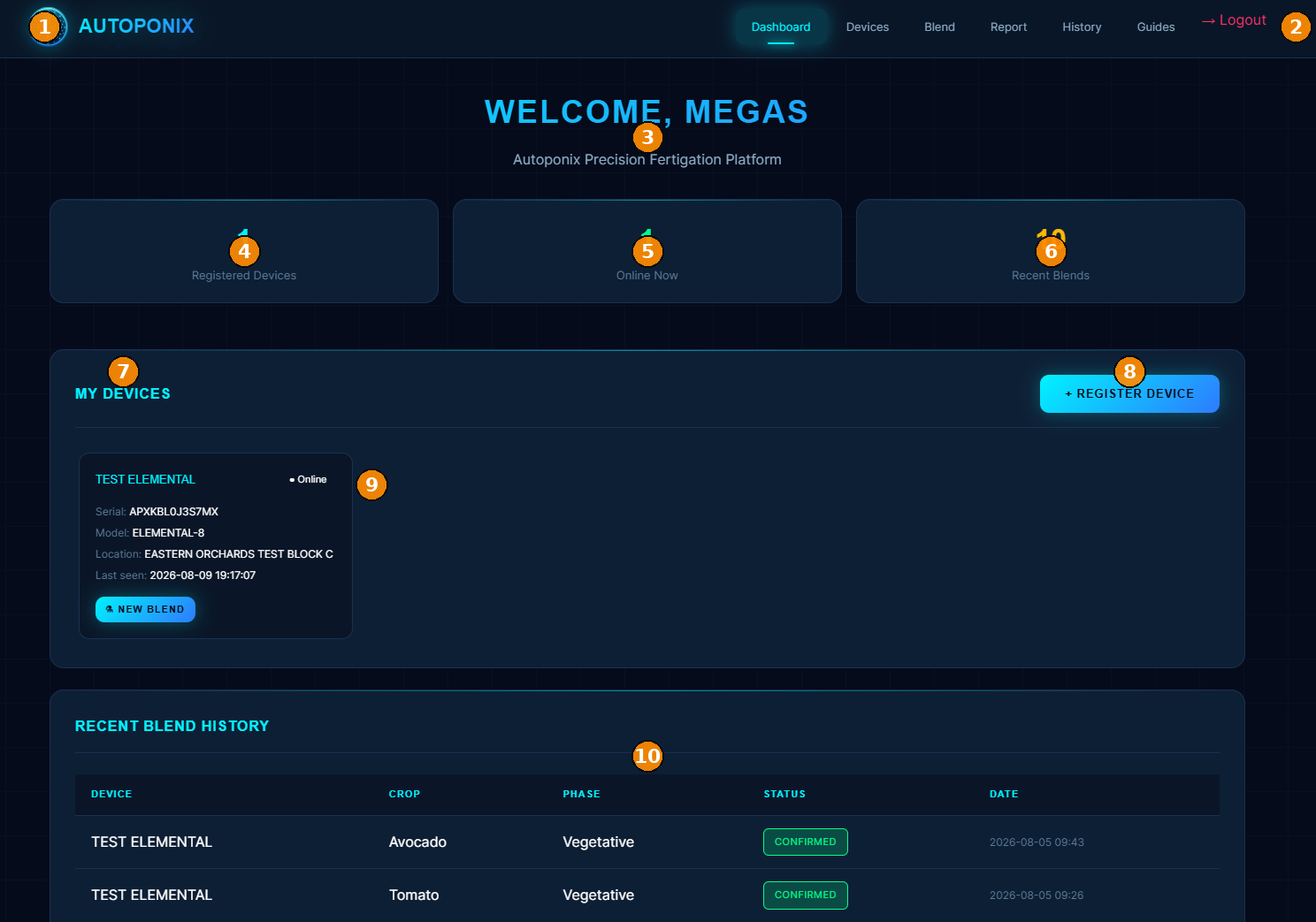
learning autoponixelemental.tech. Yellow numbers on screenshots match the tables underneath.
Table of contents
Track A — Field panel & machine
- Overview — product story and roles
- Machine assembly — output tanks, concentrate totes, cabinet
- Control cabinet — front, rear, and top (#1–39)
- Chemical safety — PPE, filling, spillages, first response
- Basic maintenance — dust, dry electricals, no reversed hoses, leak checks
- Getting started — mains, E-stop, power ON, gauges, HMI
- Home screen tour — main HMI map
- Running a blend — start, watch, stop
- Setup & tanks — concentrates and logs
- Output tank monitoring — tanks A and B
- Warnings & troubleshooting — empty, full, errors
- Administrator messages — lock / disable / wipe
Track B — Cloud webapp
- Dashboard — account overview and device cards
- Devices — register and manage panels
- Blend calculator — soil inputs, AI calculate, push job
- Reports — dispense PDFs and totals
- History — past calculations
Ready? Begin with Overview.